# CommandNotch
A drop-down terminal for macOS that lives in the notch area.



CommandNotch is a notch-native terminal overlay for macOS. It gives you a fast shell without switching spaces, keeping a full Terminal window open, or breaking your flow. Open it with a hotkey, drop into a shell, then get out of the way just as quickly.
The current Xcode target and bundle name are still `CommandNotch`, but the project is being presented publicly as **CommandNotch**.
## Why CommandNotch
- You want a terminal that is always one shortcut away.
- You like the idea of a terminal living in the menu bar / notch area instead of a full window.
- You work across multiple displays and want each screen to keep its own notch state.
- You want lightweight workspaces, detachable tabs, and shell access without giving up native macOS feel.
## Features
- Native macOS notch overlay with open and closed states.
- Fast shell sessions powered by SwiftTerm and a local login shell.
- Multiple tabs with hotkeys for new, close, next, previous, and direct tab switching.
- Workspace support, including shared workspaces across screens.
- Multi-display awareness with per-screen assignment and presentation state.
- Detachable tabs that can pop out into standalone terminal windows.
- Terminal themes: Classic, Xterm, Solarized Dark, Dracula, and Nord.
- Configurable terminal size presets with optional hotkeys.
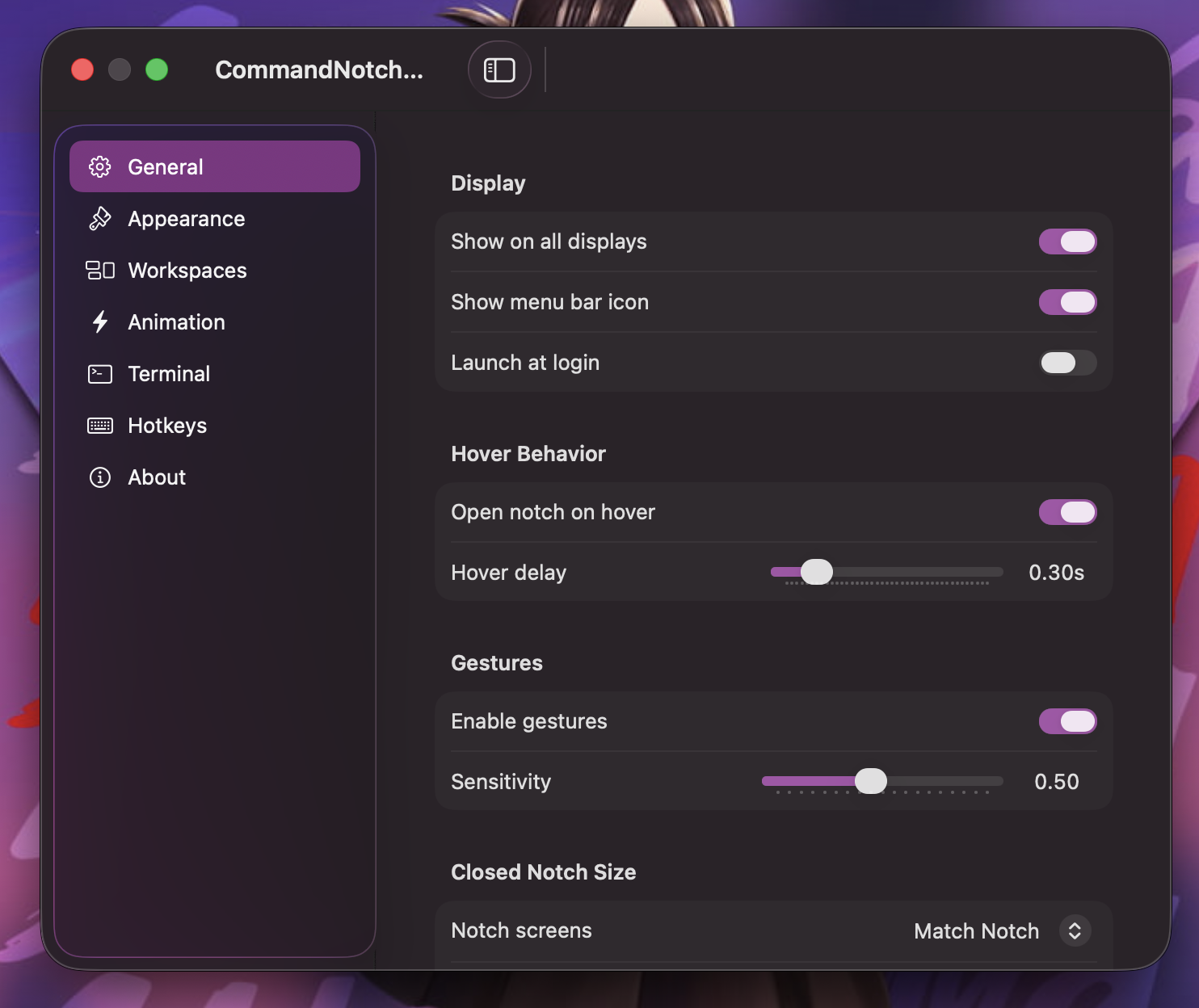
- Hover-to-open behavior and animation tuning.
- Launch at login support.
- Global toggle hotkey and notch-scoped shortcut handling.
- Terminal-friendly macOS key behavior for `Command+Arrow`, `Option+Arrow`, `Command+Backspace`, and `Command+L`.
## Gallery
### Demo
[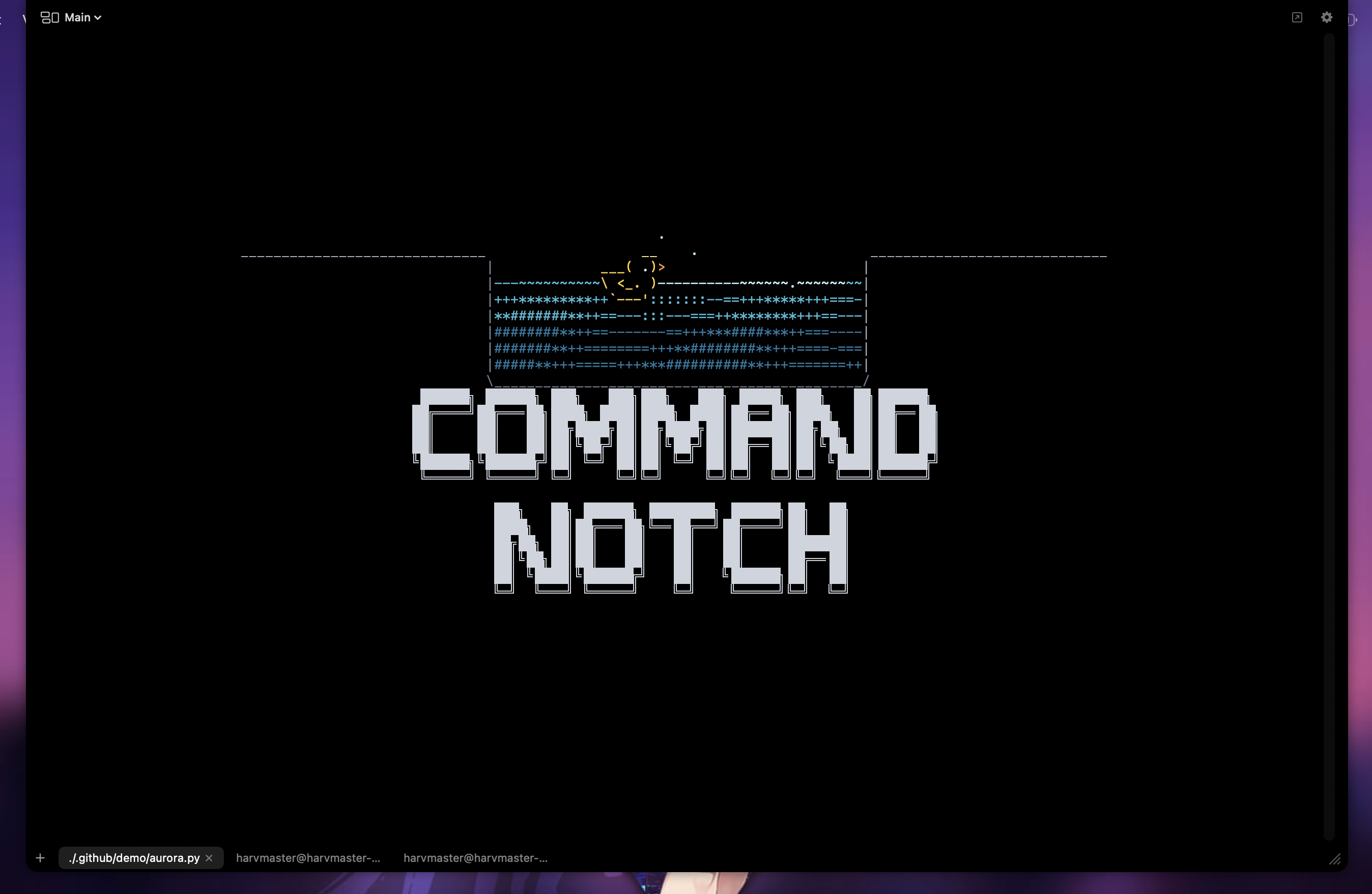](.github/assets/CommandNotch-Demo.mp4)
Click the preview above to watch the demo recording.
### Open Notch Terminal

### Settings
## Getting Started
### Requirements
- macOS 14 or later
- Xcode 16 or later
- Homebrew `xcodegen`
### Build
```bash
cd CommandNotch
xcodegen generate --spec project.yml
open CommandNotch.xcodeproj
```
Or from the command line:
```bash
cd CommandNotch
xcodegen generate --spec project.yml
DEVELOPER_DIR=/Applications/Xcode.app/Contents/Developer \
xcodebuild build -project CommandNotch.xcodeproj -scheme CommandNotch -destination 'platform=macOS'
```
## Project Layout
```text
CommandNotch/
├── CommandNotch/ # XcodeGen spec, app target, tests
├── docs/ # architecture and planning notes
├── icons/ # app icons and branding assets
└── .github/assets/ # README screenshots and support assets
```
## Contributing
Contributions are welcome. If you want to fix bugs, improve the UX, tighten the architecture, or help polish the public release, start with [CONTRIBUTING.md](CONTRIBUTING.md).
## Help Fund Development
If CommandNotch saves you time, support helps justify more polish and faster iteration.
- Ko-fi: https://ko-fi.com/harvmaster
- BCH: `bitcoincash:zq5xlhahsk8svzk562m3kwrzgd9hrm80mcu8slnzv3`

## License
CommandNotch is released under the [MIT License](LICENSE).