

4.6 KiB
CommandNotch

A drop-down terminal for macOS that lives in the notch area.



CommandNotch is a notch-native terminal overlay for macOS. It gives you a fast shell without switching spaces, keeping a full Terminal window open, or breaking your flow. Open it with a hotkey, drop into a shell, then get out of the way just as quickly.
The current Xcode target and bundle name are still CommandNotch, but the project is being presented publicly as CommandNotch.
Why CommandNotch
- You want a terminal that is always one shortcut away.
- You like the idea of a terminal living in the menu bar / notch area instead of a full window.
- You work across multiple displays and want each screen to keep its own notch state.
- You want lightweight workspaces, detachable tabs, and shell access without giving up native macOS feel.
Features
- Native macOS notch overlay with open and closed states.
- Fast shell sessions powered by SwiftTerm and a local login shell.
- Multiple tabs with hotkeys for new, close, next, previous, and direct tab switching.
- Workspace support, including shared workspaces across screens.
- Multi-display awareness with per-screen assignment and presentation state.
- Detachable tabs that can pop out into standalone terminal windows.
- Terminal themes: Classic, Xterm, Solarized Dark, Dracula, and Nord.
- Configurable terminal size presets with optional hotkeys.
- Hover-to-open behavior and animation tuning.
- Launch at login support.
- Global toggle hotkey and notch-scoped shortcut handling.
- Terminal-friendly macOS key behavior for
Command+Arrow,Option+Arrow,Command+Backspace, andCommand+L.
Gallery
Demo
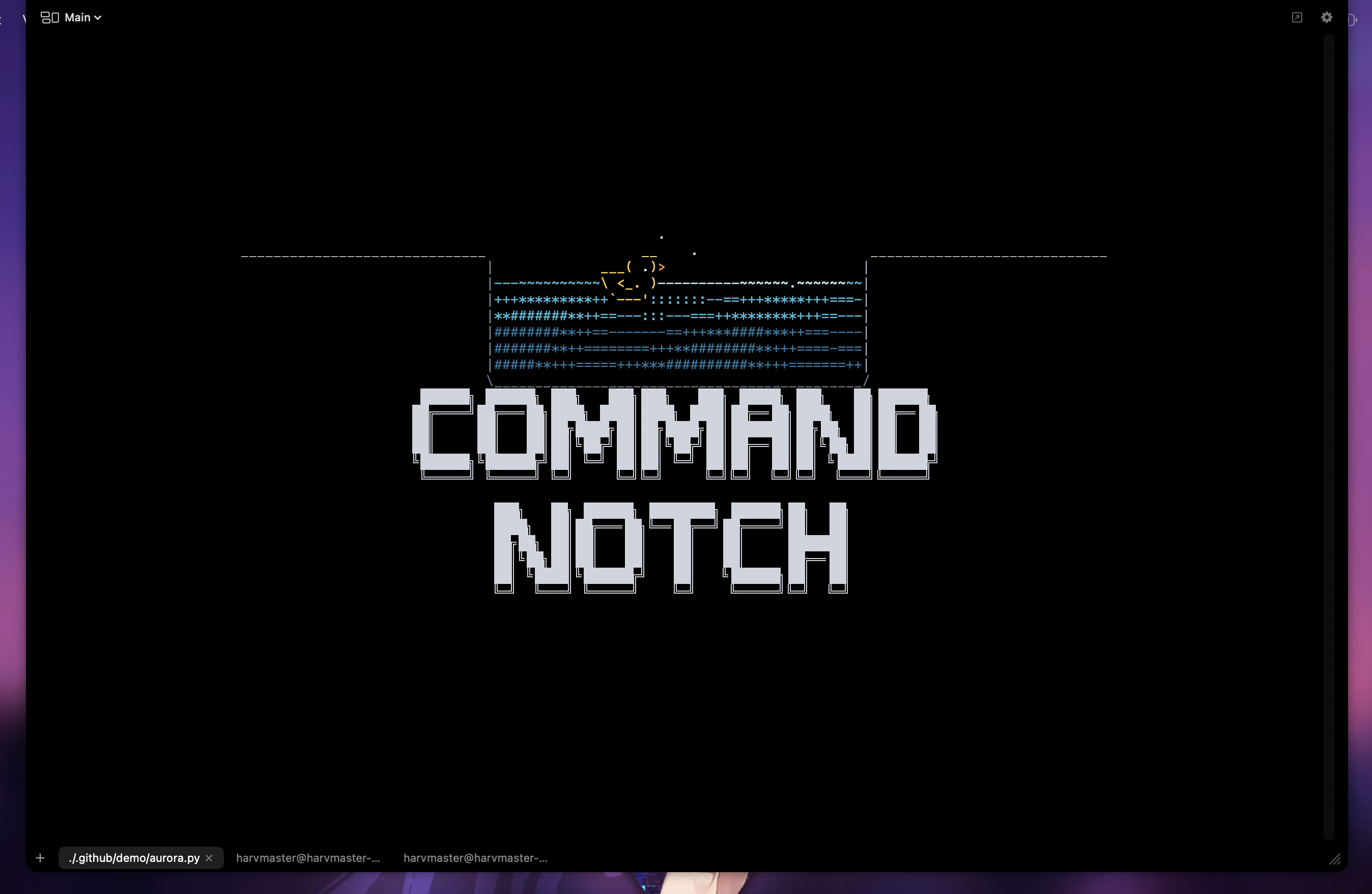
Click the preview above to watch the demo recording.
Open Notch Terminal

Settings

Getting Started
Requirements
- macOS 14 or later
- Xcode 16 or later
- Homebrew
xcodegen - Homebrew
create-dmgfor release.dmgpackaging
Build
cd CommandNotch
xcodegen generate --spec project.yml
open CommandNotch.xcodeproj
Or from the command line:
cd CommandNotch
xcodegen generate --spec project.yml
DEVELOPER_DIR=/Applications/Xcode.app/Contents/Developer \
  xcodebuild build -project CommandNotch.xcodeproj -scheme CommandNotch -destination 'platform=macOS'
Build a release .dmg
Use create-dmg to build the styled Finder installer window with the usual drag-to-Applications layout.
Install the packaging dependency once:
brew install create-dmg
Then build from the app/ directory:
./scripts/build-release-dmg.sh
That produces:
releases/CommandNotch YYYY-MM-DD HH-MM-SS/CommandNotch.appreleases/CommandNotch YYYY-MM-DD HH-MM-SS/CommandNotch.dmg
Notes:
- The script regenerates the Xcode project, archives the Release build, then packages the archived app into a styled
.dmg. - The archive is written to
/tmpand is only used as the source for the exported.app. - If you want a distributable build signed with a specific identity, make sure your Xcode signing settings are configured before running the archive step.
Project Layout
CommandNotch/
├── CommandNotch/            # XcodeGen spec, app target, tests
├── docs/                    # architecture and planning notes
├── icons/                   # app icons and branding assets
└── .github/assets/          # README screenshots and support assets
Contributing
Contributions are welcome. If you want to fix bugs, improve the UX, tighten the architecture, or help polish the public release, start with CONTRIBUTING.md.
Help Fund Development
If CommandNotch saves you time, support helps justify more polish and faster iteration.
- Ko-fi: https://ko-fi.com/harvmaster
- BCH:
bitcoincash:zq5xlhahsk8svzk562m3kwrzgd9hrm80mcu8slnzv3

License
CommandNotch is released under the MIT License.